
Quick answer: X (Twitter) does not automatically delete old tweets. Posts stay on your profile indefinitely unless you remove them yourself. If you want to clean up your timeline, you can either delete tweets manually one by one or use tools that allow you to delete tweets in bulk by keyword, date, or hashtag.
Your digital footprint grows much faster than most people realize. If you’ve been using X (Twitter) for years, your profile may contain thousands of tweets. Some of them may no longer reflect who you are today.
The problem is simple: old tweets never disappear. Unless you delete them, they remain publicly searchable and can resurface years later.

Table of Contents
What to Know Before Making a Decision
We all know how X works. You post a thought, and it’s out there. But over time, those individual messages turn into a massive archive. If you’ve been active for years, you’re likely sitting on thousands of posts. Some you’re proud of, and others you’ve long forgotten.
Does Twitter delete old tweets? Here’s the catch: X doesn’t do “spring cleaning” for you. Old posts don’t just expire; they stay there forever, open for anyone to find.
Unless you manually delete them or scrap your entire profile, they may turn into the first impression of you.
Why Old Tweets Can Suddenly Resurface
Old tweets often feel harmless because they were written years ago. But on social media, posts rarely stay buried forever. Screenshots, retweets, and search tools make it easy for someone to find messages from your past.
This can become a problem in situations like:
- Job applications where employers review social media profiles
- Viral threads where someone digs up old posts
- Online arguments where people search your tweet history
- Public discussions where past opinions get taken out of context
Even a tweet that seemed normal years ago can look very different today. That’s why many users decide to review and clean up their timeline.
Why Deleting Old Tweets May Be the Best Solution
If you’re starting to feel uneasy about your old posts, trust your gut, as you’re probably on the right track. While a single tweet might seem harmless, a decade’s worth of them can carry some serious hidden baggage.
Here’s why hitting the reset button actually makes sense:
- Digital peace of mind: Think of it as self-care. When there are no old public messages, there is no stress that someone might use your joke against you.
- Future-proofing your career: It’s no secret that recruiters monitor your accounts before they send you an offer. Cleaning up your feed makes sure a random five-year-old post doesn’t cost you your dream job.
- Tightening your security: Most tweets are tiny elements that scammers can use to figure out your personal details. Leave less noise to ensure your online safety.
- A clean slate: If you’ve moved on or rebranded, you don’t want outdated opinions confusing your audience. A fresh start guarantees your current voice is the only one that actually matters.
- The emotional reset: Sometimes, you just need to clear the clutter. Deleting old posts makes your digital space feel free again.
At the end of the day, if looking at your post history makes you wince, it’s a sign. But before you go on a deleting spree, remember that there are two sides to every story.
Do You Actually Need to Delete Everything?
Erasing the whole history isn’t always the answer. Sometimes, your digital trail is an asset, and there’s a good chance you have nothing to hide.
If you haven’t been one for impulse tweeting or getting into heated internet feuds, keeping your posts can make sense. Your old tweets are a timeline of your growth, both professional and personal. They’re a record of where you started and how far you’ve come.
Plus, a completely scrubbed profile can sometimes raise eyebrows. To a recruiter or a follower, it might look like you’re trying to hide a scandal. It can feel a bit robotic or even suspicious. In some cases, losing that history means losing the authentic connection you’ve built with your audience over the years.
Ultimately, it’s a judgment call. Just consider: even if your record is spotless, the internet has a way of taking things out of context. Weigh the nostalgia against the risks before you decide.

How to Find Your Old Tweets
Before deleting anything, it helps to review what’s actually in your timeline. If you’ve been using X for years, you may have thousands of tweets you no longer remember posting.
You can search your own tweet history using X’s advanced search features. For example, typing a search like this:
from:yourusername since:2016 until:2018
will show tweets you posted during that period.
You can also search by:
- keywords you used in the past
- hashtags
- replies or mentions
- specific date ranges
This makes it easier to identify tweets you may want to remove or keep.
Choosing the Right Way to Clear Your History
Since X doesn’t delete tweets on its own, the cleanup is entirely up to you. The good news is that you have a few options depending on what you’re trying to achieve.
If you have some time to spare or only a few posts to review, you can always delete them manually. If that sounds like too much work, third-party tools are a great alternative. They allow you to use filters so you can be selective. You don’t have to wipe everything if you don’t want to. You can just erase the specific posts that no longer fit your profile.
How to Delete Tweets Manually
If you only need to remove a few tweets, you can delete them directly from your profile.
Steps to delete a tweet manually:
- Open your profile on X (Twitter).
- Find the tweet you want to remove.
- Click the three-dot menu next to the tweet.
- Select “Delete”.
- Confirm the action.
This method works well if you only have a few tweets to remove. However, if your account has hundreds or thousands of posts, manual deletion can take a lot of time.
How to Delete Old Tweets with Third-Party Platforms?
There are numerous services designed to help you get rid of your history without a trace. They are completely intuitive, so you don’t need any technical background. Let’s look at the steps to take using a popular tool like TweetDelete as an example.
To start cleaning up your history, you simply need to:
- Visit the platform’s website.
- Sync it with your X (Twitter) profile.
- Pick out the specific tweets you want gone.
- Tweak the filters to match what you’re looking for.
- Hit delete and enjoy your refreshed feed.
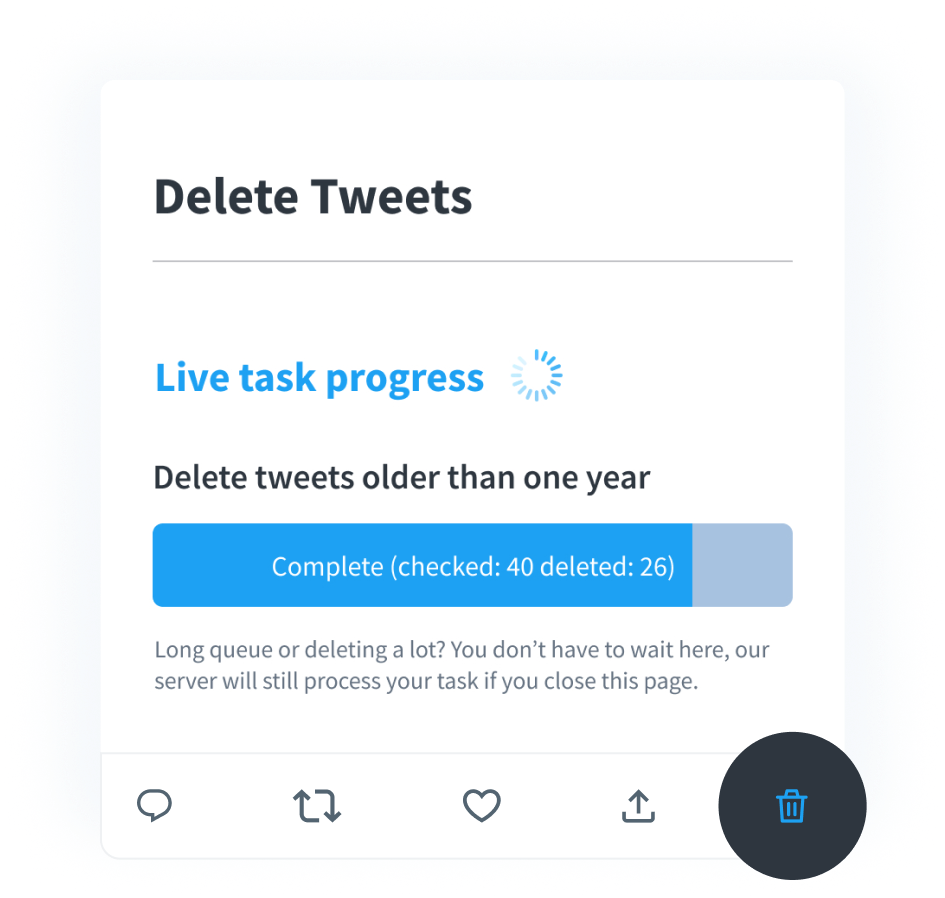
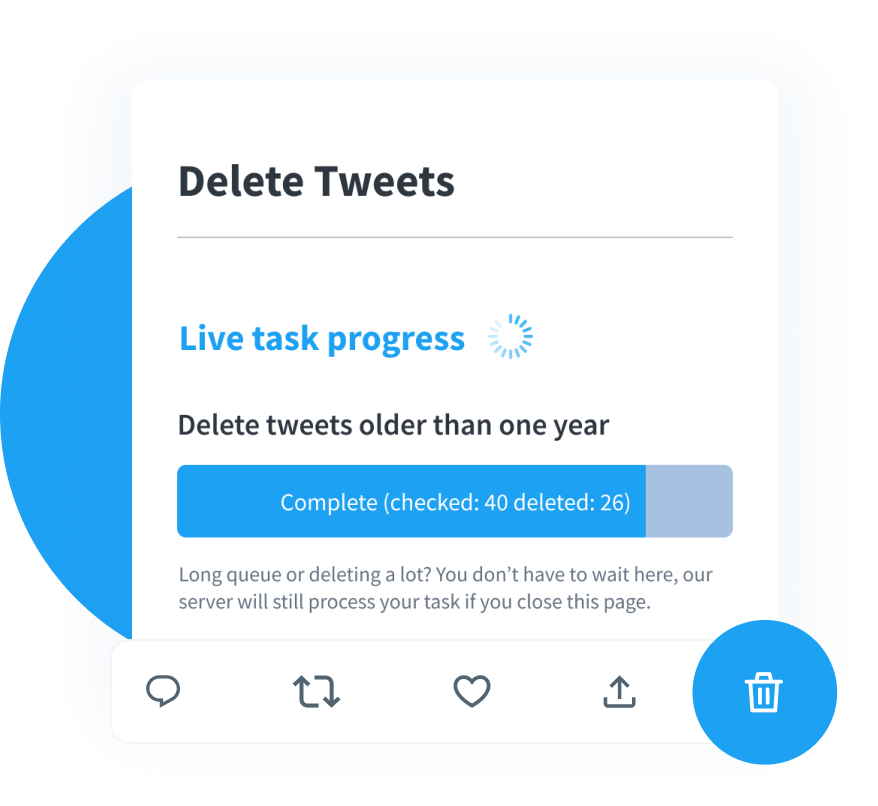
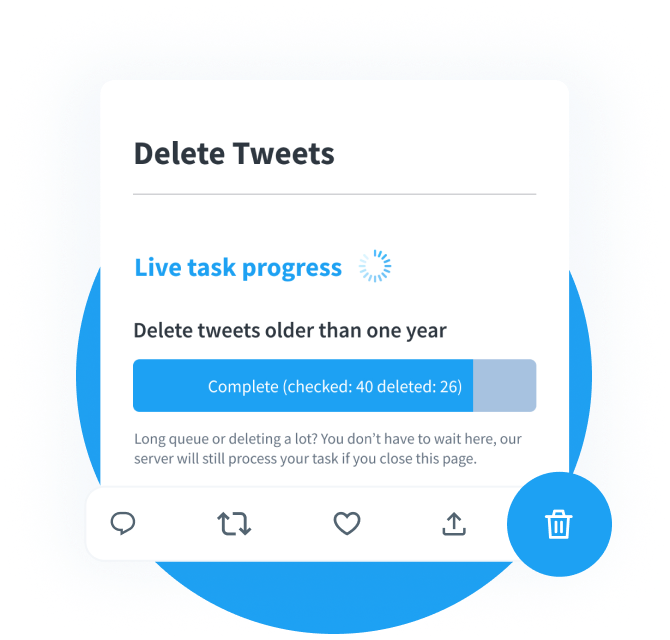
With TweetDelete, you aren’t stuck with an all-or-nothing choice. You can wipe your entire history in one go or just target specific keywords, hashtags, and dates. It’s usually a pretty quick process, though it might take an extra minute if you’re clearing out years of posts.
Final Thoughts
Be real: your digital past has a long shelf life. Old tweets can easily become a liability if they remain publicly visible for years. Stick to the memories you really care about. If a tweet could cause trouble or look wrong to a stranger, it’s better to get rid of it.
Trying to sort hundreds of tweets manually is a waste of time. A tool like TweetDelete speeds up the process by letting you target specific years or keywords. Beyond just a one-time cleanup, you can set it to automatically delete posts after a certain period. This keeps your profile manageable and ensures you don’t have to deal with a cluttered feed ever again.
FAQ
Can I delete thousands of tweets at once?
Yes. While X does not provide a built-in feature to delete tweets in bulk, third-party tools allow you to remove thousands of tweets at once. These tools can filter tweets by keyword, hashtag, or date and delete them automatically.
Does X (Twitter) ever delete old tweets automatically?
In short, no. X doesn’t have a built-in feature to clear your history after a certain amount of time. Everything you’ve ever posted stays for years, until you handle the deletion yourself.
How big is the risk that my tweets will harm me?
There are no exact statistics here. It all depends on how long you have been using social media and what tone you’ve used in your communication.
Can I delete only some of my tweets?
Yes, you can. You can manually delete the messages that you think are irrelevant. Or you can use TweetDelete and filter which tweets to keep and which to delete.