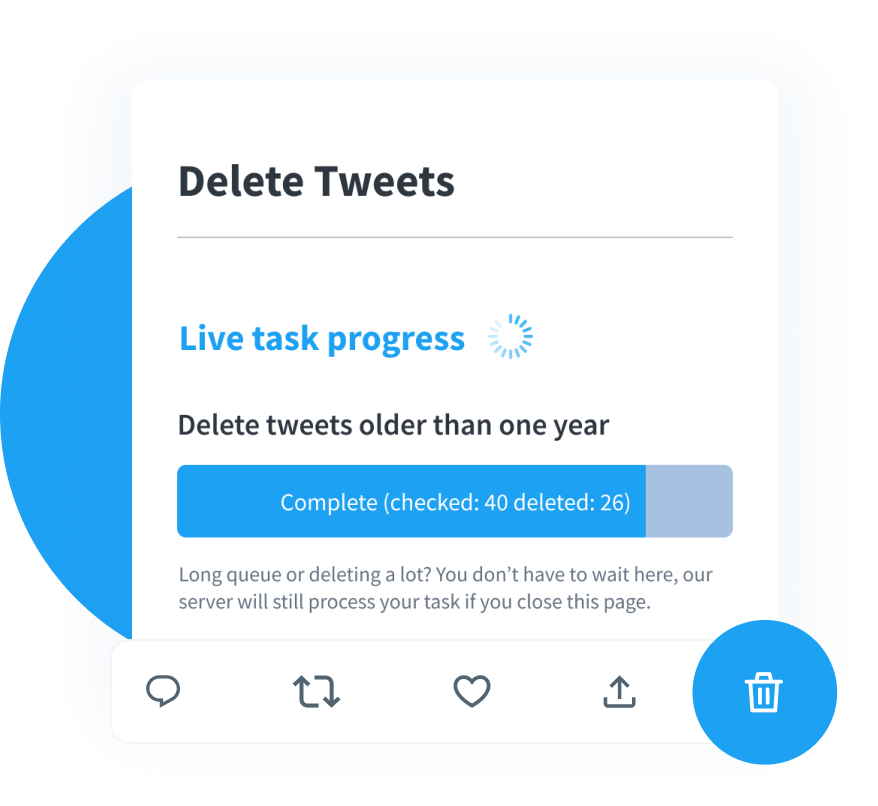

Deleting past posts can save you from future embarrassment, but if you’re not careful, you could make things worse. Tweets are easily screenshot, and badly handled deletion can be seen as an attempt to hide something, can invoke the Streisand effect, and can even remove context you may need. To avoid common tweet deletion mistakes and have a plan for backup, timing, and transparency, you can delete tweets without regret and protect your reputation.
X (formerly Twitter) users send 500 million tweets a day. Most are gone forever, but an insensitive joke from 2014 can cause a PR inferno years later. For influencers, hiring managers, or anyone whose livelihood depends on trust, one botched cleanup can spark lasting Twitter reputation damage. The irony is that almost everyone means well when they start scrubbing: they just want a fresh slate.
Unfortunately, panic deletions often do more harm than the original posts. Hastily wiping whole timelines, relying on broken tools, or forgetting about likes can look evasive, encourage digging, and wreck hard-earned goodwill. The goal of this article is simple: show you how to avoid all that. We’ll dissect ten critical missteps people still make in 2026, sprinkle in real-world data, and finish with a practical FAQ so you can navigate digital hygiene with confidence.
Table of Contents
Why Deleting Tweets Can Be a Double-Edged Sword
But how, when and why you delete is critical. In 2026, Ofcom reported that 49% of adults were worried about future problems with old posts, fueling the move to ephemeral content. This is well-founded: 85% of employers have rejected applicants with bad online reputations. The takeaway? Clearing the decks can be suspicious
Complicating matters, journalists and internet sleuths use paid search services that archive deleted posts. Delete in the wrong order, and you may accidentally spotlight the very material you hoped nobody would notice. Worse, silent deletions can spark talk of “digital evidence tampering,” a phrase no communicator wants associated with their name.
That paradox – protection versus suspicion – is why a thoughtful, transparent approach beats knee-jerk reactions. Let’s unpack exactly where well-meaning users keep stumbling.
The 10 Critical Mistakes to Avoid
Remember that every profile is different. An athlete with ten years of trash talk has other risks than a nonprofit director sharing policy takes. Yet the underlying patterns of failure are surprisingly universal and fixable.
1. Treating Deletion as a One-Time Fire Drill
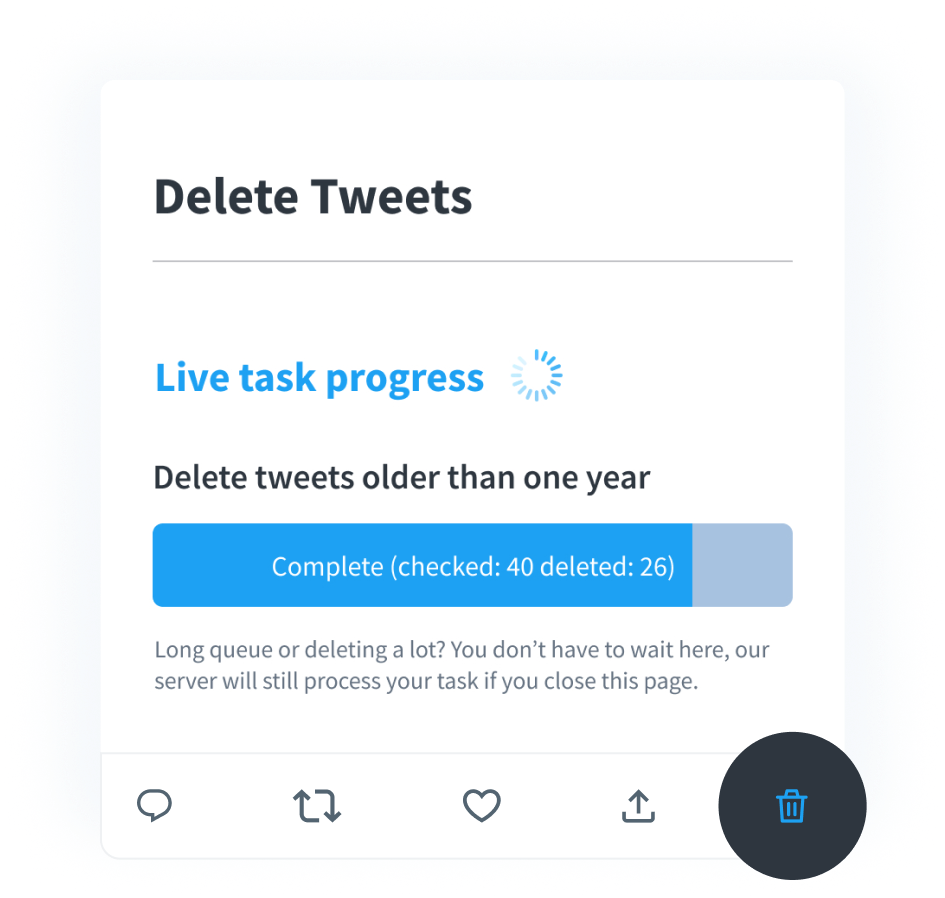
Most people wait until controversy erupts, then mass-erase posts at 2 a.m. Unsurprisingly, observers notice the missing tweets and assume guilt. A rolling audit – weekly or monthly – keeps risk low and optics calm. With TweetDelete’s automation, you can schedule specific cleanups so nothing piles up and you don’t feel the urge to do a panic delete during a media storm.
2. Ignoring Likes, Retweets, and Replies
It’s not all about your timeline. Retweets and likes shout implicit approval, and flaming replies can be as bad as the original tweets. A 2024 Forbes Advisor survey found 43% of employees face active online workplace monitoring, with 11% stating this digital surveillance directly influenced their termination. Skipping these signals is one of the classic tweet cleanup mistakes that creates glaring holes big enough for critics to crawl through.
3. Relying on Outdated or Unverified Tools
After X.com’s 2023 API overhaul, dozens of free apps silently broke. Users clicked “Delete,” saw confirmation messages, and logged off – only to find the tweets back online days later. These silent Twitter deletion errors can be career-ending if you assume a hateful slur is gone when it’s still public. Always verify a service runs on the current API tier. In April 2023 X killed off its free API, permanently breaking free GitHub scripts. TweetDelete remains compliant by using official paid tiers.
4. Deleting Without First Backing Up Your Archive
Bulk deletion is irreversible in the native app. Suppose you need proof you were not the first aggressor in a harassment dispute – too bad, you wiped the context. Download your X archive before deleting anything. That step isn’t busywork; it’s the insurance that lets you delete tweets without regret because you know you still own the receipts.
5. Purging Everything During Peak Traffic Hours
Timing shapes perception. Weekday afternoons are prime journalist time. If hundreds of posts vanish, then people assume a cover-up. By contrast, late-night or early-morning windows attract less scrutiny. Schedule large removals for off-peak hours and, if you’re a public figure, pair them with a short explanatory thread. Context disarms suspicion and can even win you points for introspection instead of causing further Twitter reputation damage.
6. Forgetting Posts Beyond the 3,200-Tweet Limit
X shows the last 3,200 tweets, but previous ones are still available. Ignoring this backroom is dangerous as corporate social media monitoring can still find them. Services like TweetDelete import your X archive so you can target those buried posts and avoid nasty surprises during background checks.
7. Deleting in a Vacuum, No Cross-Platform Check
Old tweets often live on as embeds in blogs, news articles, or Instagram screenshots. If you yank the original but leave the embeds, readers may cry censorship. Do a quick cross-platform search of your @handle, then request updates or removals where feasible. This cross-network diligence signals that you care about accuracy, not deletion for its own sake.
8. Overlooking Screenshots and Quoted Material
Granted, you can’t recall every screenshot. What you can control is narrative framing. A short statement – “My views have evolved; I’ve removed outdated posts” – gives critics less room to speculate. Prior academic research shows that open apologies combined with deletion are much more effective than silent deletion. Transparency defuses gossip and maintains authenticity, mitigating potential damage on social media.
9. Ignoring the Power of Contextual Apology
Removing without context can be seen as insensitive, particularly if there was genuine damage. An apology and strong follow-up actions, like donations, policies, and partnerships, will make the cleanup a positive story. Hollow “sorry if offended” statements ring hollow; change demonstrates learning. Don’t say “I will never again” (trolls will point to future errors). Instead, emphasize ongoing learning to sidestep another wave of tweet deletion mistakes.
10. Using Absolute Language in Your Explanation
Talking of absolutes, there’s no perfect solution. You can’t over-promise on your redemption. Don’t promise a bed of roses; commit to the garden. For instance, say, “I’ll keep auditing my posts quarterly and welcome feedback.” This balanced tone signals humility and leaves less ammo for critics eager to label you a hypocrite. It’s also a smart hedge against unforeseen Twitter deletion errors down the road.
How to Delete Tweets Without Regret

So what does a competent cleanup flow look like? It boils down to five deliberate steps – simple, but often skipped when deleting tweets wrong way.
- Back Up First. Request your full archive from X and store it securely. You may need that data for legal, HR, or nostalgic reasons later.
- Audit Broadly. Use keyword searches for slurs, political hot buttons, negativity toward past employers, or anything that violates current brand guidelines. Include likes and replies to avoid partial fixes.
- Choose a Reliable Tool. Confirm your app-of-choice is API-compliant in 2026. Official-partner platforms minimize silent Twitter deletion errors.
- Schedule Smartly. Favor low-traffic periods. If you have a public audience, pair major deletions with a brief, honest explanation to blunt suspicion.
- Automate Recurring Maintenance. Monthly or quarterly sweeps keep risk low and effort minimal, a practical way to avoid future tweet cleanup mistakes.
Deleting this way feels less glamorous than a midnight purge but yields far fewer headaches, and you won’t wake up trending for the wrong reasons.
A Smarter Approach to Ongoing Twitter Hygiene
Think of your profile like a living résumé. You wouldn’t list your high-school cafeteria job on your 2026 CV, so why keep decade-old hot takes? Regular, small-batch deletion is more sustainable than heroic weekend marathons. Here are three mindset shifts to keep you on track:
- Track Evolving Norms. Words that were appropriate in 2015 may not be today. Set a reminder every month to poll for blacklisted buzzwords, and deactivate before they’re used against you.
- Separate Brand and Personal Content. Influencers who combine product placements with political commentary could confuse and double risk. Set up multiple profiles or use private lists.
- Archive High-Engagement Posts. Sometimes a controversial tweet starts a productive dialogue you do want to remember. Screenshot or PDF that thread before deletion so you retain institutional memory without leaving ammo online.
Most followers value transparency and growth more than unblemished perfection. Showing that you routinely weed out outdated takes signals responsibility, not deceit, and dramatically reduces long-term Twitter-reputation damage.
Key Takeaways
Deleting tweets wrong way can amplify problems you meant to erase. Avoid mistakes like omitting likes, using faulty software, or deleting history during busy times to stave off criticism. Frequent, transparent housekeeping with safe software won’t expose you to risk, and it shows you care.
FAQ
Will people see that I deleted a tweet?
Yes. If fans have notifications on, they can see when content is deleted, and third-party trackers can see mass deletions. So there’s a time and a place.
Does deleting a tweet remove it from Google?
Yes, but not right away. Google retains copies for a long period of time. Ask Google to remove it or wait for re-indexing to remove old data.
Are mass deletions ever advisable?
Only if the entire account is off-brand or legally risky. Even then, announce your intention ahead of time to avoid rumors of a cover-up.
How often should I audit my tweets?
For active users, monthly is reasonable. Casual users can stretch to quarterly. Automation in TweetDelete makes recurring sweeps painless.
Is it safer to lock my account instead?
Private mode prevents new viewers from being able to access it, but doesn’t prevent screenshots. The ongoing reputation management requires a deletion plan, not just a privacy button.